Professional. Organized. Fast.
Your Income Organized
Create professional paystubs, tax forms, and business documents in minutes. Built for individuals, contractors, and small businesses, with guidance for every U.S. state and Canadian province.
- Preview before you pay
- No account required
- Secure checkout by Stripe





All documents
Choose the document style
that fits your needs.
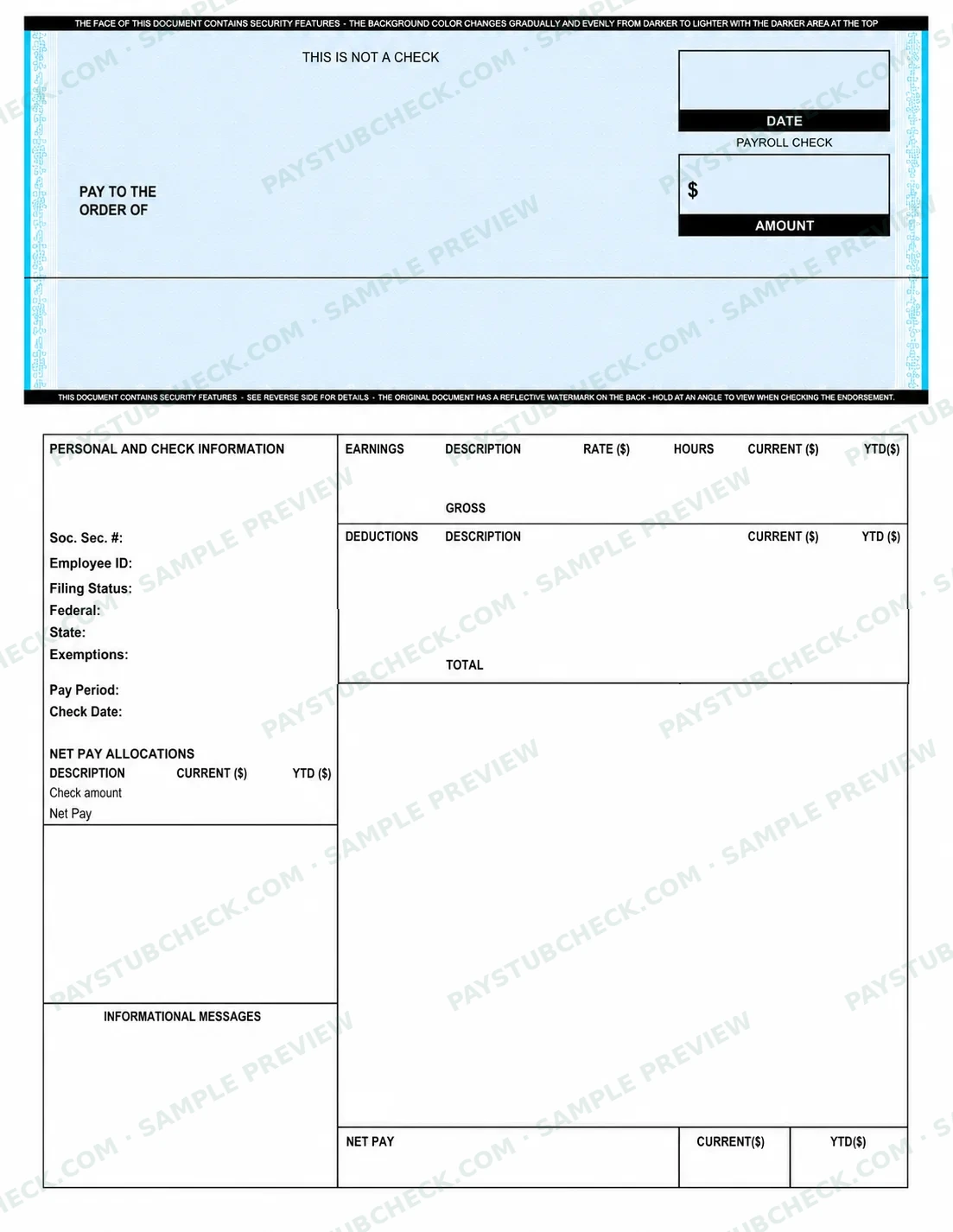
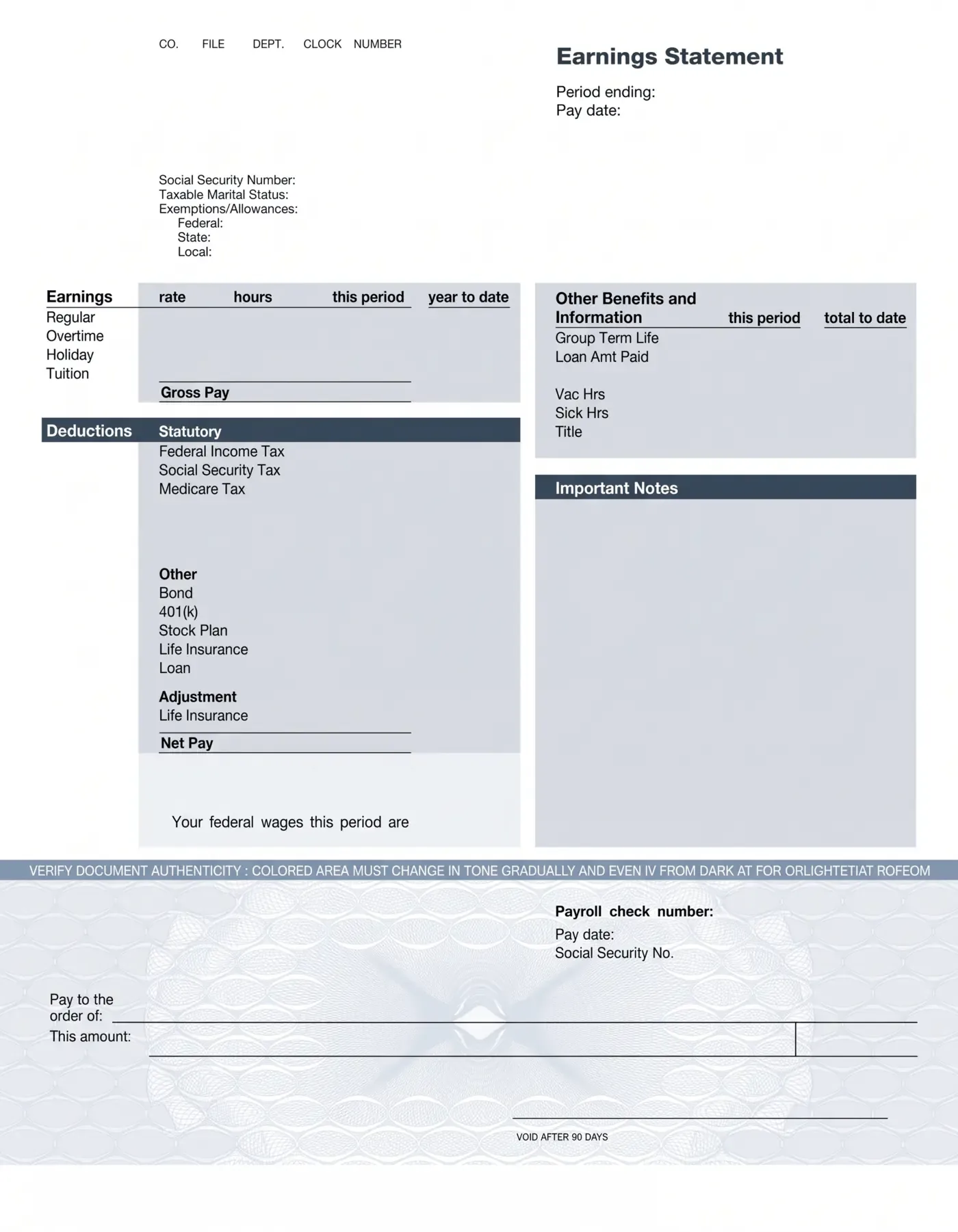
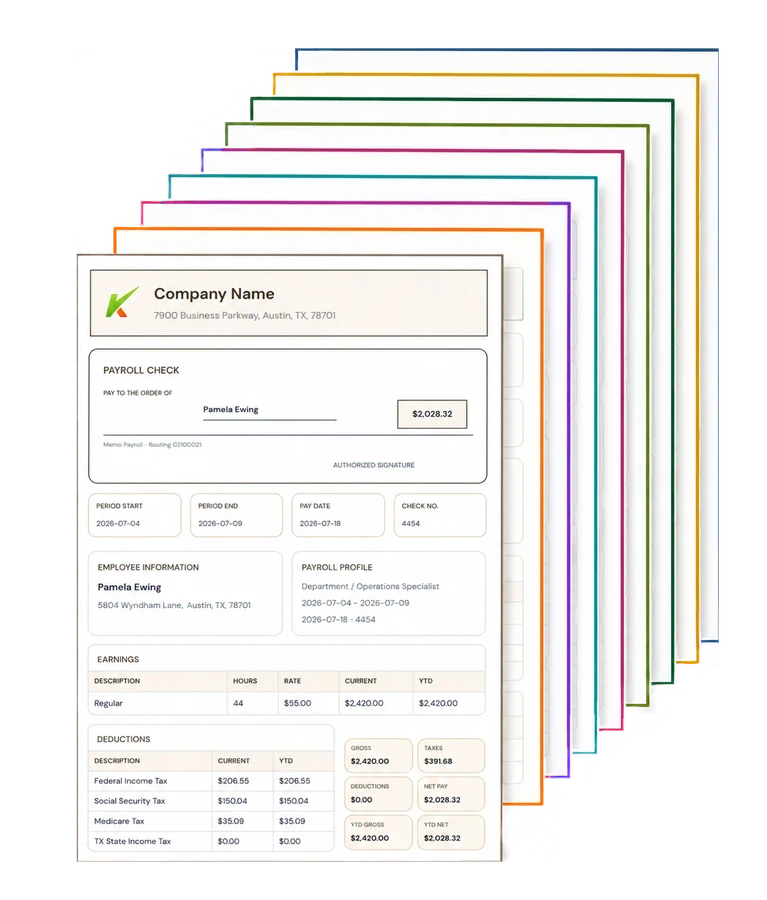
Create accurate, professional documents for employees, independent contractors, landlords, or personal records. Every template is customizable and previewed before you download.
See every price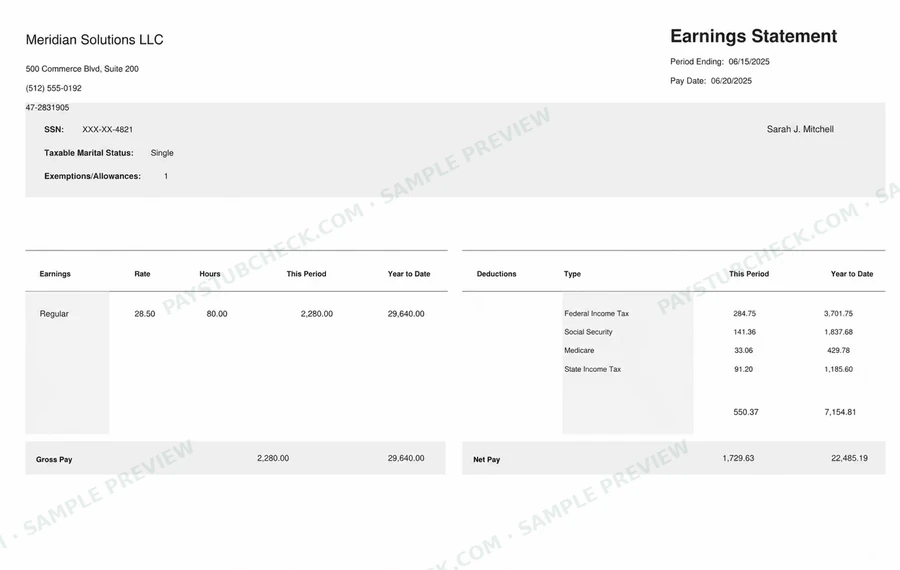
Compare
PayStubCheck
vs. the rest
More features. Greater accuracy. A better way to create and manage your income documents.
| Feature | PayStubCheck | Typical generators |
|---|---|---|
| Genuinely free tier | Free paystub option — no account required | Often a “free preview” that charges to download |
| Preview before paying | Your full document, live, on every tier | Frequently a generic sample — not your data |
| No account or signup required | Never required | Usually an account or email capture first |
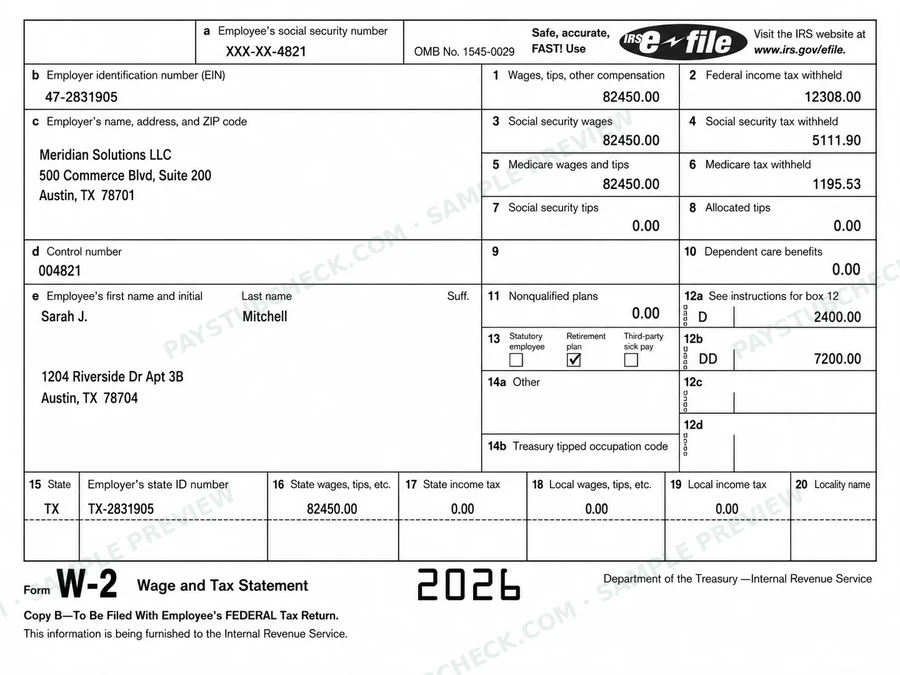
| Tax documents (W-2, 1099) | Built in, on-site, with live preview | Commonly routed to a third-party service |
| Distinct paystub templates | 20 layouts across five tiers, 10 color themes | Typically 1–2 recolored designs |
| State tax handling | Official-source withholding engine, 50 states + DC | Often flat estimates or generic tables |
| Business documents | Expense reports, mileage logs, branded statements | Rarely offered — paystubs only |
“Typical generators” reflects common patterns we’ve observed across the category — individual services vary.
For businesses
Business documents,
organized in one place.
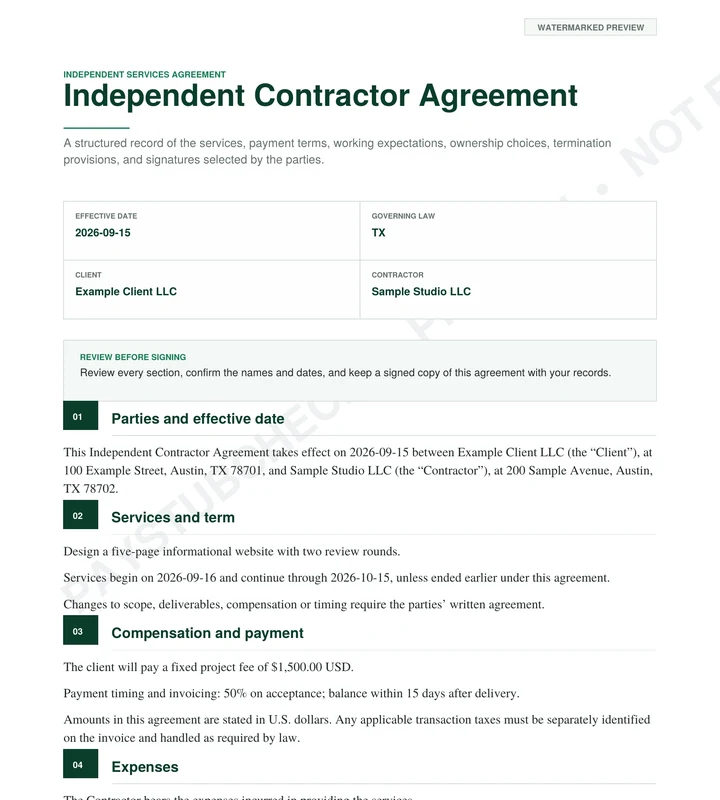
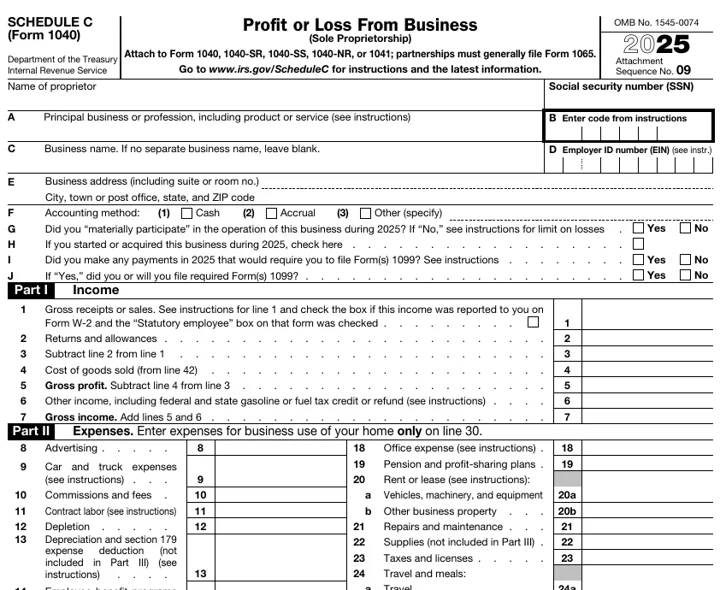
From pay stubs to tax forms and agreements, get the documents you need to keep payroll and contractor records organized.
- Save time with ready-to-use templates
- Keep accurate, organized records
- Built for small businesses and contractors
- Access from anywhere, anytime
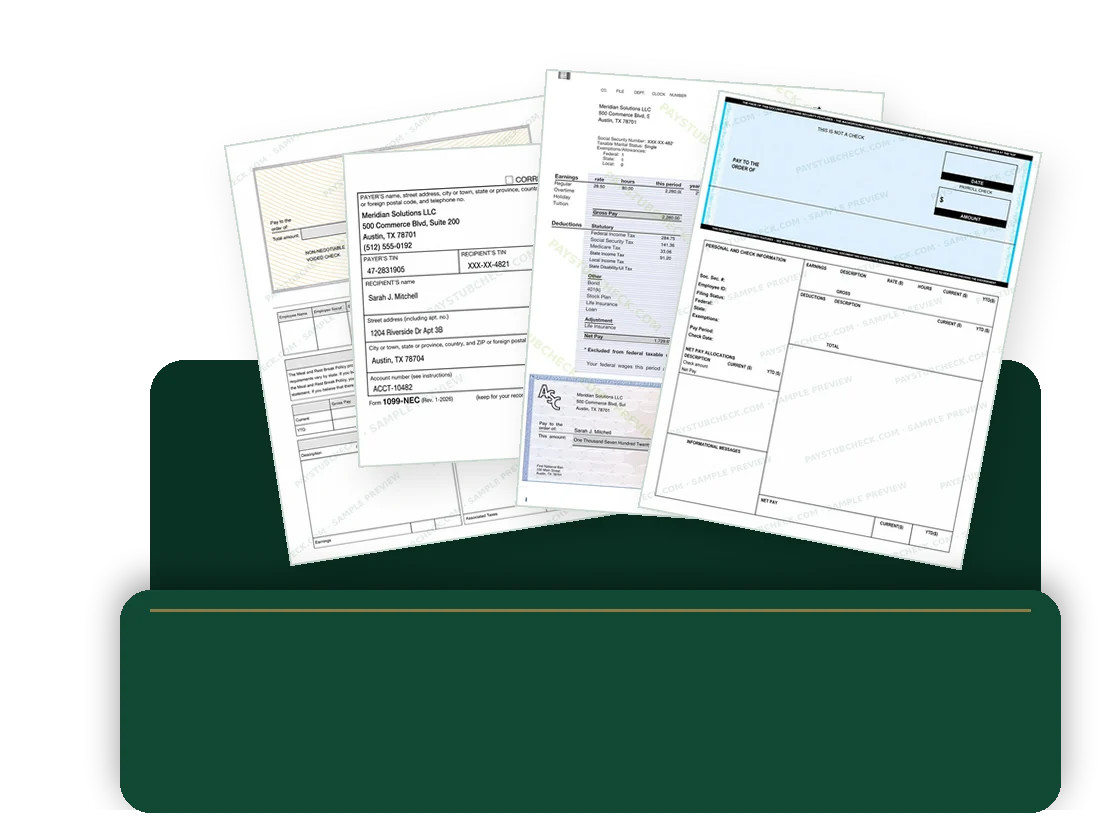
- Paystubs
- Tax forms
- Agreements
Popular packs
Your work has layers.
Your records can too.
Choose a path built around how you earn — individuals, contractors, and small businesses. See the documents and the exact separate-purchase total before you start.
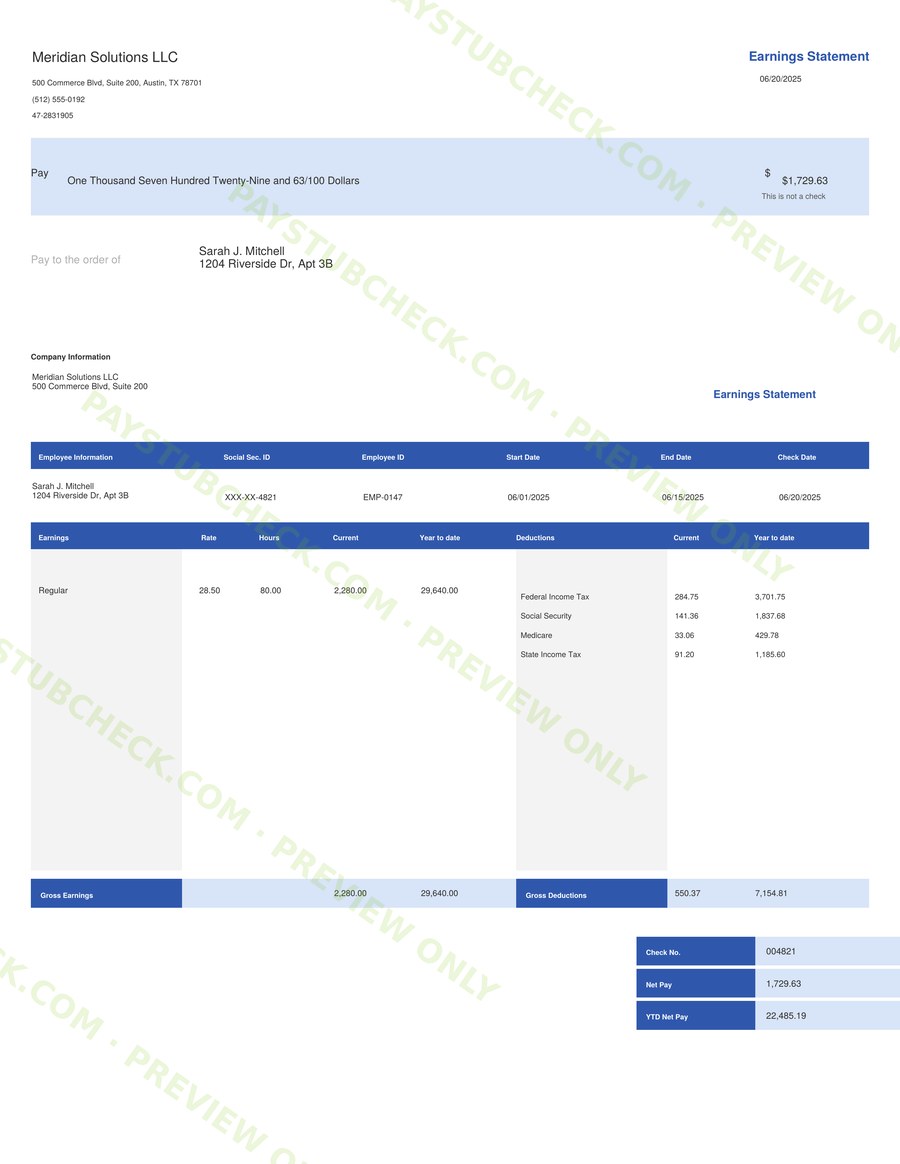
- Professional Earnings Statement
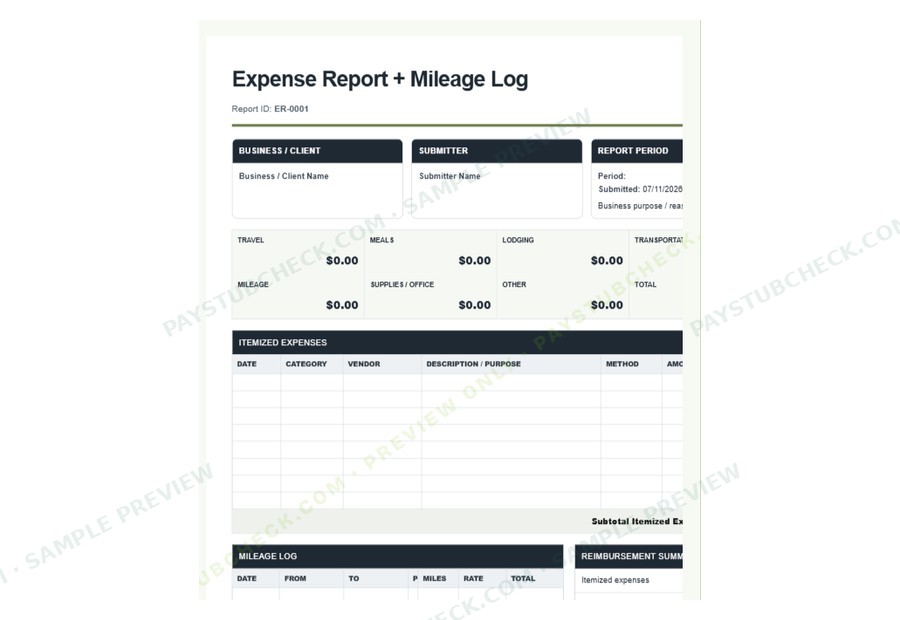
- Expense Report + Mileage Log
- Professional Earnings Statement
- 1099-NEC Record
- Basic Paystub
- 1099-NEC record
- W-2 record
Five paths. No forced bundle or subscription. Create only the records you need, preview each one, and stop at any step. Open saved profiles
Single-document prices
One price per document, shown before you start. Preview the complete document first; you check out only if you want the clean PDF.
- Free PaystubFree
- Basic Paystub$3.99
- Advanced Paystub$5.99
- Premium Paystub$6.99
- Professional Earnings Statement$7.99
- W-2, 1099-NEC or 1099-MISC$9.99 each
- Independent Contractor Agreement$9.99
- Schedule C Preparation Record$12.99
- Expense Report + Mileage Log$3.99
Payments run through Stripe. Read the Refund Policy and Privacy Policy before you upgrade, or contact support with any question.
Why people choose us
Why trust PayStubCheck?
- Preview before you pay
Review your complete, watermarked document before any upgrade.
- Easy to use
Create documents in minutes, on desktop or mobile.
- Secure & private
Payments run through Stripe; we never store full card numbers.
- Real customer reviews
305 published reviews — five-star and critical alike.
Before you upgrade: PricesPreviews & deliveryRefund PolicyPrivacy PolicyPrivacy in practiceContact support
Questions?
Common questions? Check.
Previews, delivery, prices, refunds and privacy — answered before you start.
Email the PayStubCheck support team at support@paystubcheck.com.
Contact supportCan I preview my document before paying?
Yes — always, on every tier. You fill out your information, watch a complete live preview of your document update as you type, and only pay when you're satisfied with what you see.
How do I receive my document?
Immediately after checkout, your clean PDF is available for download on the confirmation page. We also email you a backup copy within minutes. On the free tier, the completed PDF is delivered to the email address you provide, with no checkout step.
Where can I review privacy, refund, and support details?
You can review the Privacy Policy, Refund Policy, and Contact Support page before upgrading. Payments are processed through Stripe, and PayStubCheck does not store full card numbers.
Will my preview show a watermark?
Yes, for paid documents. The live preview shows your complete document with a watermark so you can check every field before you decide; the clean PDF without the watermark is produced after checkout. The Free Paystub has no checkout — the finished PDF is emailed to the address you provide.
How much does each document cost?
Each document has one listed price, shown in the price list and on its generator page before you start. The Free Paystub costs nothing, and there are no subscriptions or forced bundles.
When are refunds available?
Because every document is previewed before payment, refunds are generally not offered for design or layout preferences. The Refund Policy lists when a full refund applies — for example, a document that was not delivered within 24 hours, a technical error that was not visible in the preview, or a duplicate charge — and how to request one within 7 days of purchase.
What happens to the information I enter?
It is used to calculate, generate, and deliver the document you choose. Paid checkout details may be stored temporarily so the purchased PDF can be delivered; PayStubCheck does not keep a permanent database of detailed payroll, employment, or tax-form entries. See Privacy in practice and the Privacy Policy.
Can I share feedback after using PayStubCheck?
Yes. If PayStubCheck helped you, or if something needs improvement, email support@paystubcheck.com. We use customer feedback to improve templates, guidance, and support.
What document types can I create?
A free paystub, additional paystub and earnings-statement formats, W-2 and 1099-style documents, and an Expense Report + Mileage Log for business expenses and reimbursement tracking.
How do I choose between templates?
Each generator shows its template or document options with a live preview, so you can review the result before you continue.
Does it work on my phone?
Yes. Every generator — form, live preview, checkout, and PDF download — works end-to-end on mobile. Apple Pay and Google Pay are supported at checkout where available.
Is this legal?
Yes. PayStubCheck generates documents for personal record-keeping and income documentation purposes. You are responsible for entering accurate information. These documents are not official employer-issued payroll records and should not be used to misrepresent employment, income, or tax information.
Are you affiliated with Uber, DoorDash, or other platforms?
No. PayStubCheck is an independent document generation service and is not affiliated with, endorsed by, or connected to any gig platform. Platform names are referenced only to indicate the types of income our documents support.
How it works
Three steps from details to document.
- 1Choose a document
Pick a paystub, tax form, agreement, or expense record — or let Smart Match suggest one.
- 2Enter details and preview
Fill in employer, worker, and pay information while a live, watermarked preview updates as you type.
- 3Receive your PDF
The free paystub is emailed to you; paid documents download right after secure Stripe checkout, with an email backup.